Gmail Labs recently introduced a new features – “Insert Image Button”.
Insert Images Button
This feature when activated allow you to upload/insert images into email. Until now there wasn’t anyway to add images into your email from Gmail’s WYSIWYG editor.
To activate this feature, simple go to Gmail >> Settings >> Labs and look for Inserting images. You better use browsers search feature as Gmail labs is now have more than 20 features to choose from!
Screenshots:
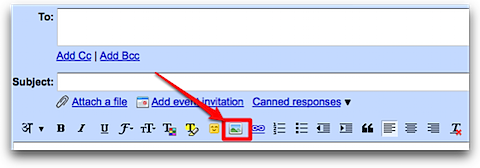
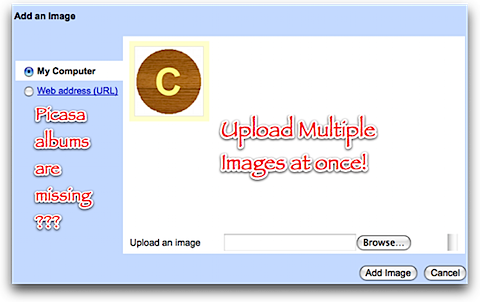
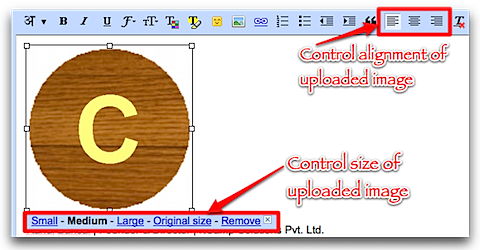
No Integration WIth Picasa
Only thing surprised me is missing integration with Picasa albums. Other Google services like Orkut supports complete integration with Picasa.
Why in Labs???
I hope such a basic feature will be added to Gmail when it will come out of beta. (Gmail is in beta for more than 5 years now!)
(via Official Gmail Blog)
3 Comments
Thanks for the post.
I think you partially answer your own ‘Why in Labs?’ question with your prior paragraph… It’s missing that key feature (much as I hate Picasa, it is a no-brainer for inclusion)
On top of that, it is: slow, not pretty, a bit flakey, and very tedious if you want to upload more than one or two images.
It’s definitely not ready for prime time. I do agree that it’s way overdue though.
@CascadeHush
You are right. This needs more polishing.
I practically went back to uploading images as attachments.
it’s july 2010 and am still waiting for the picasa integration feature. =(