As told before, this month I’ll be sharing tutorials on Photoshop, so if you are interested in designing WordPress themes then I have a great list of some tutorials that will help you in converting your PSD theme to WordPress. These tutorials will help you in creating your first professional WordPress theme.
From PSD to HTML, Building a Set of Website Designs Step by Step

A complete tutorial that explains you how to create HTML templates from PSD files and then how to convert them to WordPress themes
How To Create WordPress Themes From Scratch
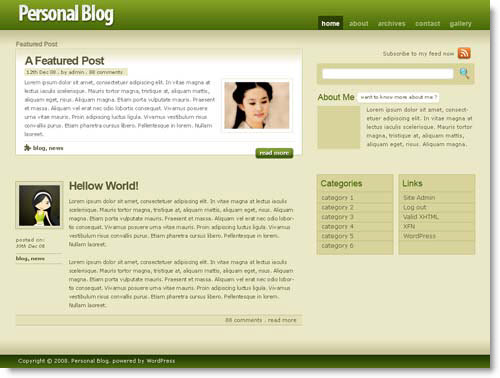
Learn how to create WordPress themes from scratch, the tutorials are divided in three parts that will topics of Structuring, designing in Photoshop, slicing, coding into fully CSS based html, and finally WordPress implementation
Create website from Photoshop to WordPress with Divine

Divine is a free software for Windows with which you can create WordPress themes in three steps
- Open PSD file in Photoshop click on Divine at the top
- Assign all WordPress elements in turns
- Specify FTP parameters and upload your theme on web
PSD to CSS to WordPress

A detailed tutorial that will tell you how to convert our PSD file into a working CSS template and then to convert over to WordPress
Converting PSD to WordPress Theme

This tutorial will tell you how the WordPress theme works and it will be easy for you to design the template
Theme Development
The official WordPress site, that explains you all the secrets of WordPress theme designing
PSD to WordPress Series
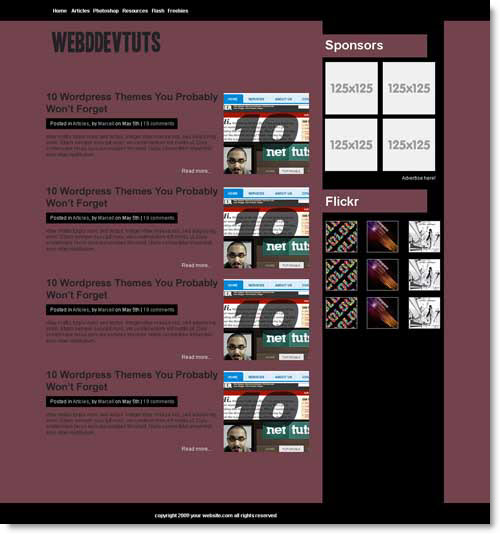
In this series, PSD to WordPress you will learn how to design a Mockup in Photoshop, then code it for WordPress
Free Bloopress WordPress Theme Design Tutorial with Source (PSD/xHTML/CSS/Wordpress)
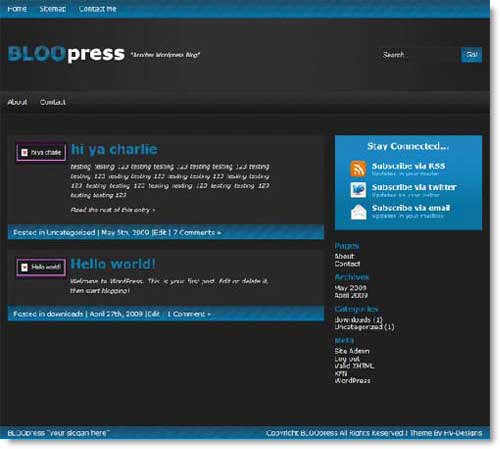
Well this tutorial is a bit different from the tutorials given above, this tutorial is written assuming that you have built and coded into CSS/XHTML and you want to change it over to a WordPress Theme
From Photoshop to WordPress

This tutorial is divided into 3 parts, the first one shows us how to create a design in Photoshop that will be used in Part two to create xhtml/css and in Part three to customize a WordPress Blog
A lot more to come on Photoshop, keep visiting 🙂
Also read : Why My Blog Design Sucks ?
Also visit Technoholic for latest updates on spy gadgets, laptops, mobiles & digital cameras reviews
22 Comments
Thanks for the collections. I like Devine tool to create the wordpress themes.
can we convert psd to bloggers native.xml format???
@ Alok
Sorry, you can’t convert it to XML.
Is devine free forever?
“Great compilation! Thanks a lot for putting it all in one place, but there is another one to add to your list.
http://www.xhtml-css-code.com/html/things-to-remember-while-coding-a-website-to-make-it-search-engine-friendly
Though, not exactly a psd to html conversion article, but one must keep these tips in mind while coding a PSD into search engine as well as user friendly web layout.
“
These are all great tutorials and should help anyone learn the ins and outs of building their own theme. There is nothing like building your own theme from scratch and watching it come alive.
Great and so useful post. I think there are a lot of people looking for such tutorials. They will help them to make their wordpress themes easier.
Very nice work. This compilation would be very handy for a lot of new web designers out there. Great job. Keep it going….
All the best,
3TurtleStudios
Wow awesome post. I really love it and I am glad that I found this site. I am been working with the development team converting from psd to wordpress. I will add you anyway in my google feed reader. I hope to hear from you.
Thanks for the collections. I like Devine tool to create the wordpress themes.
wow! This is very useful to me… i want to try it
This is really helpful to learn wordpress.Is not easy to convert a psd to wordpress ,I found an article similar to this post to learn how to convert a psd to wordpress :
http://depotwebdesigner.com/tutorials/8-great-tutorials-on-how-to-build-a-custom-wordpress-theme.html
Thank you for sharing these tutorials.
Great list… good to learn how to program a wp theme
This is a great list of places. Thanks
Awesome Plugin, I’m really looking for PSD automation.This works for me.
This is really a awesome collection, thanks for sharing this informative tutorial.
Thanks for sharing :PSD to WordPress Development, I was searching this topic many times but today i found so i thanks you and your team members
thanks
suresh
thanks for sharing this…found it after searching so many website on internet and finally got your site…to know how to convert PSD to worldpress theme….
Thanks for sharing the valuable collection of tutorials.