
If you are fascinated a lot about staying online on Instant Messengers (Yahoo messenger, Gtalk, MSN messenger, etc)for almost 24 hours a day, but cannot do so because of time constraint, then Answer.Im is in your rescue. It will set your status as ‘online’ for 24 hours a day (of course if you want) and will reply to all your instant messages with a customized answer that you will set by logging into answer.im with your Gtalk/ Yahoo/ MSN/ ICQ messenger login details.
Just follow these simple steps to set your automated reply that your friends will get when they ping you.
Setting automated replies:
-
Log into Answer.im with your instant messenger login details
-
Choose your status as busy or available and set your reply message on the form below it.
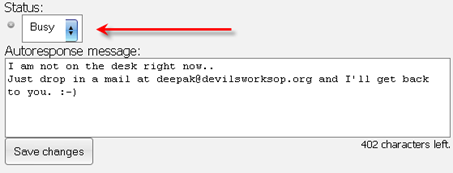
-
After setting your reply message, just save the changes and exit the application.
-
If ever you need to cancel the automated reply service, then login to answer.im and set your status as offline.
It will set back your status as offline.
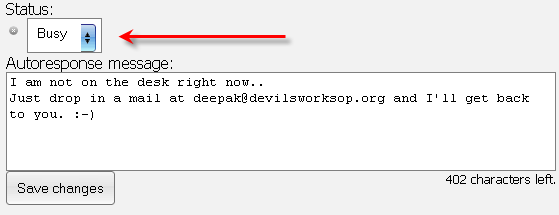
Only the above three steps can set automatic answering even in your instant messengers as some mail services do. Though this service may not be of much use to everyone, but it’ll surely make you a geek among your friends. 😉
Link: Answer.Im
4 Comments
Great man. Now it will leave auto replies to those people who buzz you when you are busy. At least they won’t feel like getting ignored.
@Bapun
Yeah.. A must try app 🙂
hey.. can we build an auto respond system like user keys in a keyword and we have to reply to that…