Here is a very simple 4 step guide to read 2000 posts from Google Reader offline.
Note all screenshots in this posts shows top-right area!
Step 1: Click on offline link when in Google Reader!

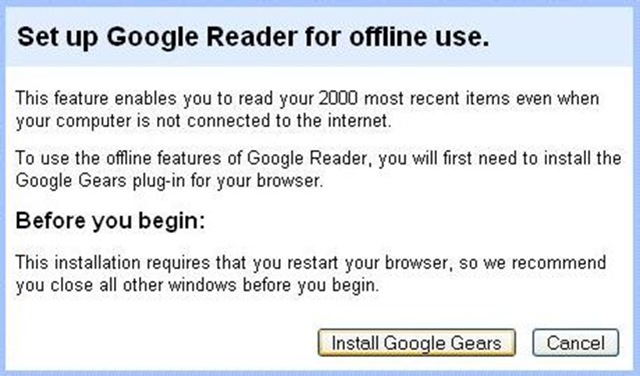
It will show a popup like following. Just Click Install Google Gears.
Step 2: A file named Google Gear will be downloaded to your windows desktop! Just run that!
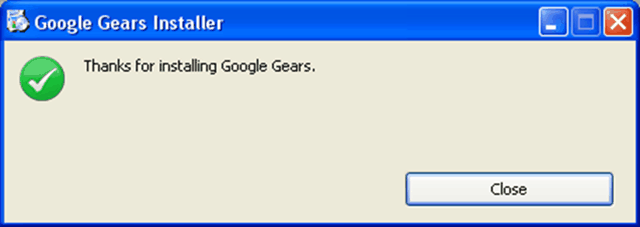
At this point restart your browser(s) if open.
Step 3: Then open up your browser and go to Google Reader again.
A security warning will be displayed. You can click Allow without reading it!

Step 4: Start offline mode by clicking on green icon as shown in following screenshot!
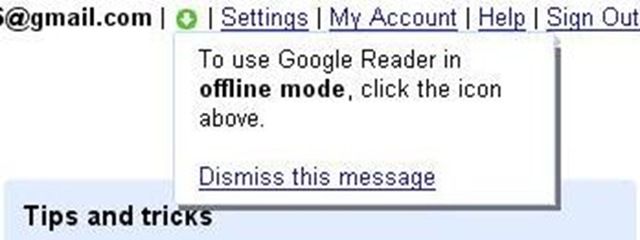
It will show Downloading 2000 items message like below…

When it will complete, you will get notification saying you are now in offline mode.
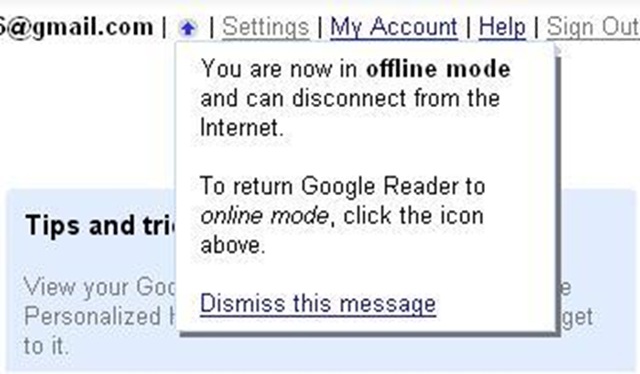
At this point you can disconnect your Internet connection or start downloading from torrent! 🙂
Recommended for…
- Dial-Up users as slow speed affects resonsiveness. Once in offline mode, you can navigate through 2000 posts as they seem online but with 0 second load-time.
- Also if you get charged as per time of day! You can download 2000 items in say happy hours and read them at your leisure! 🙂
2 Comments